
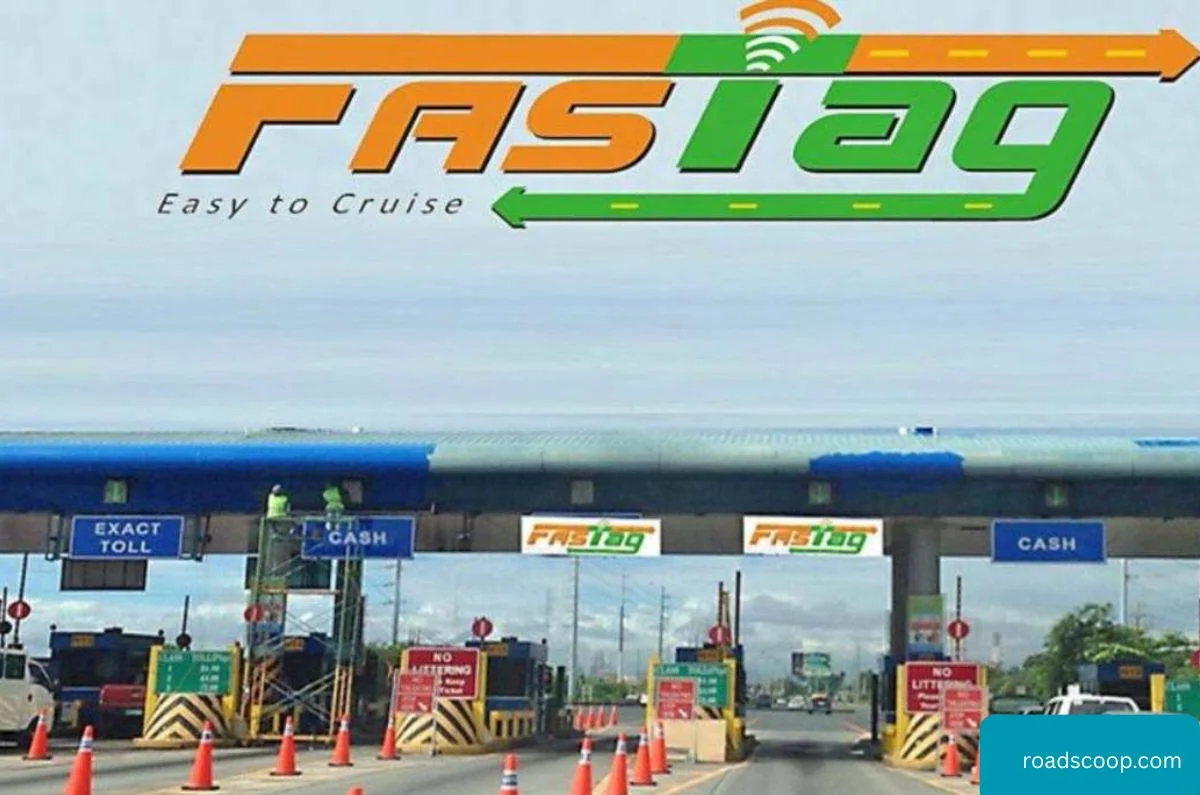
Porting your FASTag switches it from one issuer (like Paytm, ICICI) to another (HDFC, SBI) seamlessly under NETC rules—no direct transfer exists, but closing old and activating new takes 6-15 days total. Clear dues first to claim security deposit refunds (₹200-500). Essential for RBI compliance post-Paytm delisting and 2026’s KYV mandates.
Why Port FASTag Now
RBI bans on payment banks (Paytm 2024) block recharges; NHAI delists non-compliant issuers. New bank links offer better apps, zero-balance wallets, and KYV auto-updates. Avoid double tags (₹100 daily penalty) and toll delays during transition.
Prerequisites List
- Current FASTag ID/sticker details
- Vehicle RC (PDF/smart card)
- KYC: Aadhaar/PAN + address proof
- New bank account (same holder name)
- Clear all toll dues (check NPCI FASTag portal)
- ₹200-500 security deposit for new tag
Step 1: Close/Deactivate Old FASTag
- Login to old issuer app/portal (Paytm: Profile > FASTag > Close).
- Check balance/dues > Pay outstanding tolls.
- Request closure > Get refund confirmation (3-7 days to bank).
- Destroy old sticker post-refund (don’t reuse).
Pro Tip: Screenshot closure ARN; claim unspent wallet via support if stuck.
Step 2: Apply for New FASTag
- Visit new issuer: https://fastag.npci.org.in > Choose bank (HDFC/ICICI/SBI/Axis).
- Fill form: Vehicle Reg No., RC upload, KYC docs.
- Pay issuance (₹100) + deposit (₹200-500) via UPI/netbanking.
- New sticker delivers in 3-7 days; activate via app OTP.
Same-day option: Toll plaza POS or bank branch (ID proof).
Step 3: Activate & Link KYV
- Receive sticker > App login > “Activate FASTag”.
- Scan QR/enter ID > Link bank account/wallet.
- Complete KYV: RC + Aadhaar OTP (NHAI 2025 rule).
- Recharge ₹200 min > Test at toll (green light).
Timeline & Costs Breakdown
| Step | Time | Cost |
|---|---|---|
| Close Old | 3-7 days | Free (refundable) |
| New Application | Instant | ₹100 issuance |
| Delivery | 3-7 days | Free |
| Total | 6-15 days | ₹300-600 net |
Troubleshooting Common Hiccups
- “Tag Active” Error: Wait 24hrs post-closure; contact old issuer.
- RC Mismatch: Use exact Reg No. from Parivahan; update mobile first.
- No Refund: Escalate to NHAI (support@fastag.npci.org.in).
- Multiple Tags: Deactivate extras via NPCI portal.
- Paytm Specific: Mandatory migration by Jan 2026; use app closure flow.
Post-Port Best Practices
Link to updated Parivahan mobile for unified alerts. Set auto-recharge (₹500 threshold). Check balance daily via https://fastag.npci.org.in. Banks like HDFC offer 1% cashback; avoid wallet-only issuers. Port once yearly max to dodge penalties.



Roadscoop editorial a team of is a passionate automotive enthusiasts and industry experts dedicated to bringing the latest news, trends, and insights to RoadScoop.com readers. With a keen eye for innovation and a deep understanding of the automotive world, we covers everything from car reviews and maintenance tips to industry updates and market trends.