
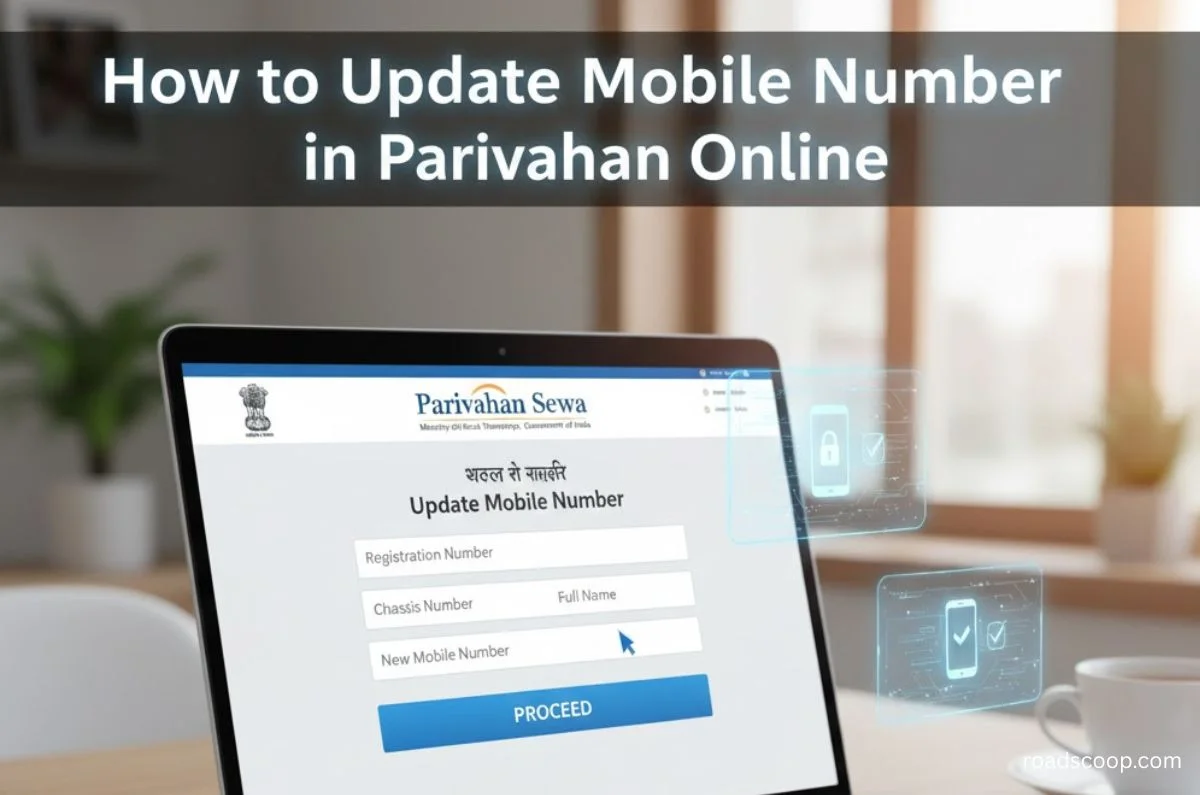
Updating your mobile number on the Parivahan portal ensures you receive critical e-challan alerts, RC/DL renewal reminders, and service notifications without RTO visits. The process works for Vahan (vehicle RC) and Sarathi (DL/LL) portals, using OTP verification on your new number—free, instant, and Aadhaar-optional in most states.
Why Update Matters Now
Outdated numbers block online services like RC downloads, Fastag recharges, and court challan payments. With 2026’s mandatory digital compliance, linked mobiles get real-time SMS for BS7 emissions tests and EV subsidies. Non-updates risk fines during police checks or insurance claims.
Prerequisites Checklist
- Vehicle Registration Number (RC) or DL/LL application number
- Old registered mobile (for OTP, if linked)
- New Indian mobile number (+91 format)
- Aadhaar number (some states require)
- No fees charged; documents rarely needed online
Step-by-Step: Update Mobile in Vahan (RC/Vehicle)
- Visit https://vahan.parivahan.gov.in > Select your state > “Vehicle Related Services.”
- Click “Other Services” > “Update User Mobile No.”
- Enter Registration Number + old mobile > Generate OTP (sent to old number).
- Verify OTP > Enter new mobile number > Submit.
- Success screen shows Application Reference Number (ARN)—save for status check.
Alternative without old number: Use chassis/engine number from RC > Aadhaar verification route.
Step-by-Step: Update Mobile in Sarathi (DL/LL)
- Go to https://sarathi.parivahan.gov.in > Select state.
- New user? Register first. Existing: Login > “Others” > “Mobile Number Update.”
- Enter DL number (15/16-digit) or LL application number + Aadhaar-linked mobile.
- OTP to Aadhaar mobile > Confirm new number > Update complete.
Track Update Status
- Back to Parivahan > “Application Status” > Enter ARN.
- Shows “Approved” in 24-48 hours; new number activates instantly for OTPs.
Troubleshooting Common Issues
| Issue | Solution |
|---|---|
| “Invalid Reg No” | Check RC for exact format (e.g., MH12AB1234); retry after 5 mins. |
| No OTP on old number | Use “Forgot Mobile” > Chassis no. + Aadhaar OTP. |
| Aadhaar mismatch | Visit RTO with Form 2 + proof (free, 1-day process). |
| DL shows 16 digits? | Enter first 15; ignore last check digit. |
| Multiple vehicles | Update once—links to all under same owner. |
Offline fallback: RTO visit with RC original, new SIM proof, Form 35 (₹50-200 fee).
Pro Tips for 2026 Users
Link same number to Fastag, insurance apps for unified alerts. Test by checking e-challan status post-update. Hyderabad/Mumbai users: State portals auto-sync in 72 hours. Always use official sites to avoid phishing. Now access all Parivahan services seamlessly!



Roadscoop editorial a team of is a passionate automotive enthusiasts and industry experts dedicated to bringing the latest news, trends, and insights to RoadScoop.com readers. With a keen eye for innovation and a deep understanding of the automotive world, we covers everything from car reviews and maintenance tips to industry updates and market trends.
